
Free planetarium software for a classroom with no Wi-Fi
Nearly half the world’s schools are not online. Space Radar is built so that one of them can keep its own copy on an old laptop and teach the sky from it. How that works, what a lesson looks like, and what it honestly cannot do without a network.
One key, H, hides every panel and leaves only the scene, for a projector left running in a corridor. There is no attract loop yet; the guide says that too.
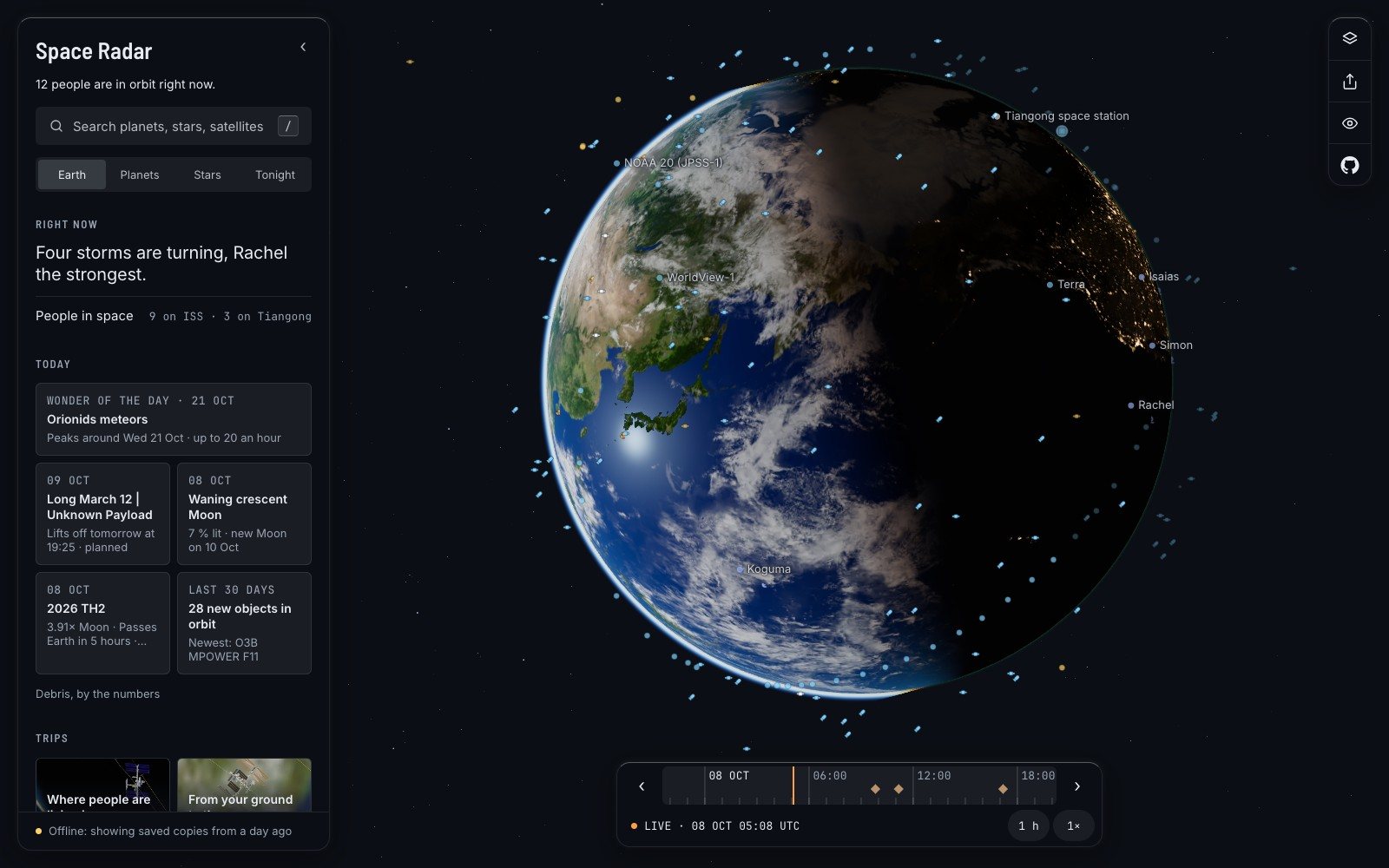
At eight minutes past five, Universal Time, on the morning of 8 October 2026, I did something unkind to a web page. I opened Space Radar in a browser, let it settle, and cut the network. Then I pressed reload.
The Earth came back, with its storms. So did the satellites, the space stations, the list of trips, the asteroid due to pass in five hours. One thing was different. The small status line at the foot of the panel, which normally counts the sources it has read, now said: “Offline: showing saved copies from a day ago.”
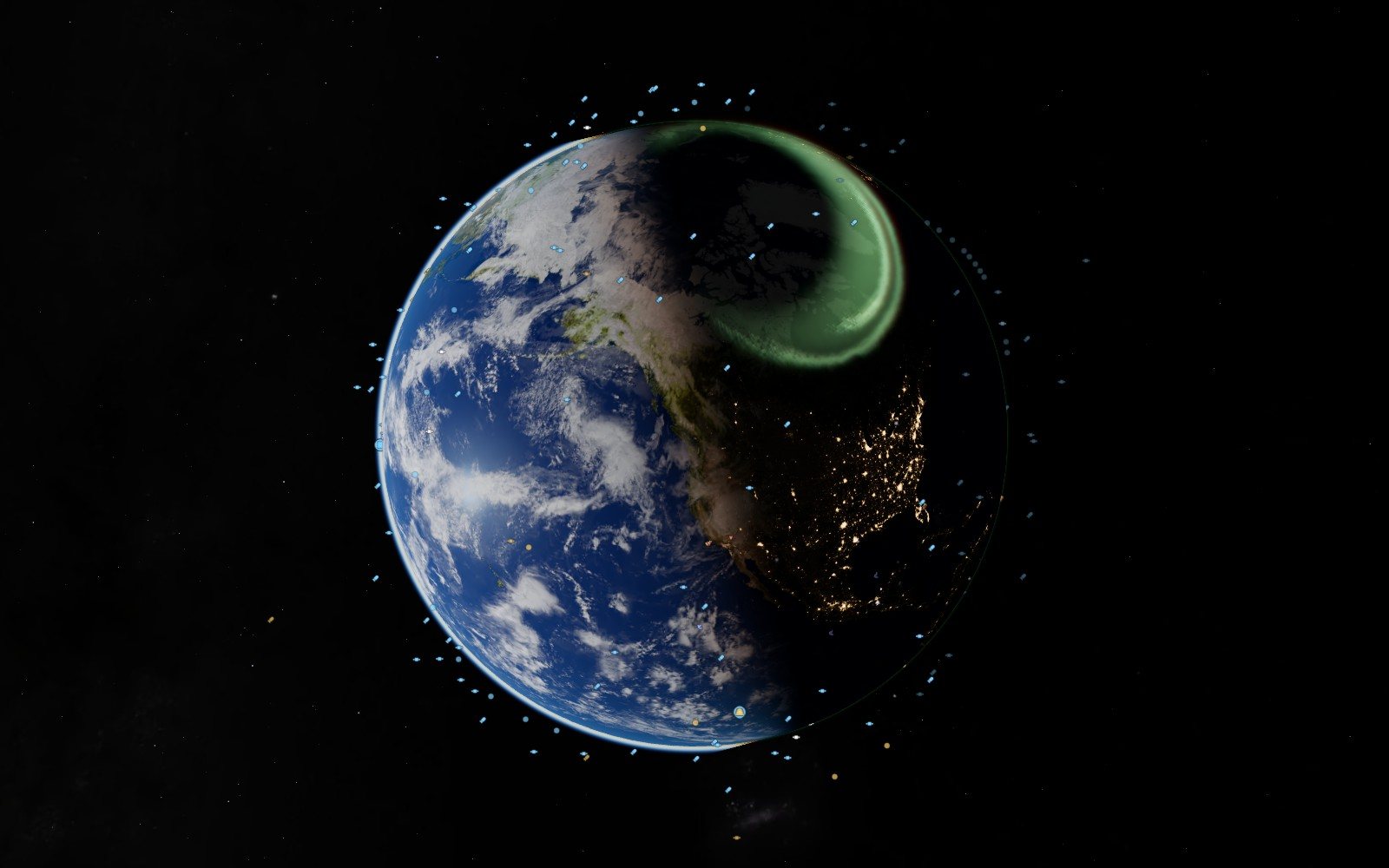
This piece is about that line, and about the people it is for. Space Radar is free planetarium software that runs in a browser, and it is built to keep running when the network does not. I think of that as the classroom copy.
Half the schools#
Start with who is on the other end. Giga, the programme run by UNICEF and the International Telecommunication Union to connect schools, says that nearly half of the world’s six million schools are still offline. The ITU counted 2.2 billion people without the internet in 2025.
Those are the dramatic cases. The ordinary one is a school that is online in the staff room and not in the room with the projector, or online until thirty children open the same page, or online behind a filter that blocks half of what a science site needs. The project’s own troubleshooting table has a row for that last one, and notes drily that it is “common behind school filters”.
A planetarium, meanwhile, is a building. There were 4,267 of them in the world at the last count I could find, from 2020. Most children will never sit in one.
So the question I care about is small and practical. Can a teacher with one middling laptop, a projector and no signal stand in front of a class and show where the Moon is tonight? The README answers in a sentence: a school, a university, a kindergarten or a village library can run its own copy, “on an old laptop, with no internet at all”.
A folder, not a service#
The reason this is possible is almost boring. Space Radar has no server-side program and no database. It is a folder of files. Any computer that can hand a folder to a web browser can run it, and the guide for doing so is addressed, in its first line, to “teachers, librarians, club leaders and anyone who is not a programmer”.
What you need is modest: a computer from the last eight years or so, a browser, and Python, which most computers already have. You get the folder, type one line to serve it, and open the address it gives you. Add one option to that line and every other machine in the room can open it too.
Inside the folder there are two kinds of thing, and the difference matters. The first kind never changes and ships with the app: the planets and moons and their maps, the stars, the constellations, the photographs of nebulae, every 3D model, all 26 guided trips with their narration, and the mathematics that moves it all. That part needs no network, ever. The planets and the Moon are computed, not downloaded, so they are right for any date.
The second kind changes daily: the list of satellites and their orbits, the launches, the passing asteroids, the space weather. For these the app keeps a saved copy and reads it first. One short script fills that copy while you are online. It downloads about 24 megabytes from the project’s own site and, in the words of its documentation, “contacts nobody else”.
- 110 MBis the whole thing on disk, the saved data included. About 40 of those megabytes are the trips’ narration and music.
There is a second route, which is the one I tested. Visit the live site once, and a small program the browser keeps, a service worker, holds on to the app and to the maps, models and sounds you used. Next time it starts with the cable out. It keeps only what that browser has actually seen, so the documentation gives the one piece of advice a teacher needs: to have a trip ready for a room with no network, play it through once on that computer first.
What a lesson looks like#
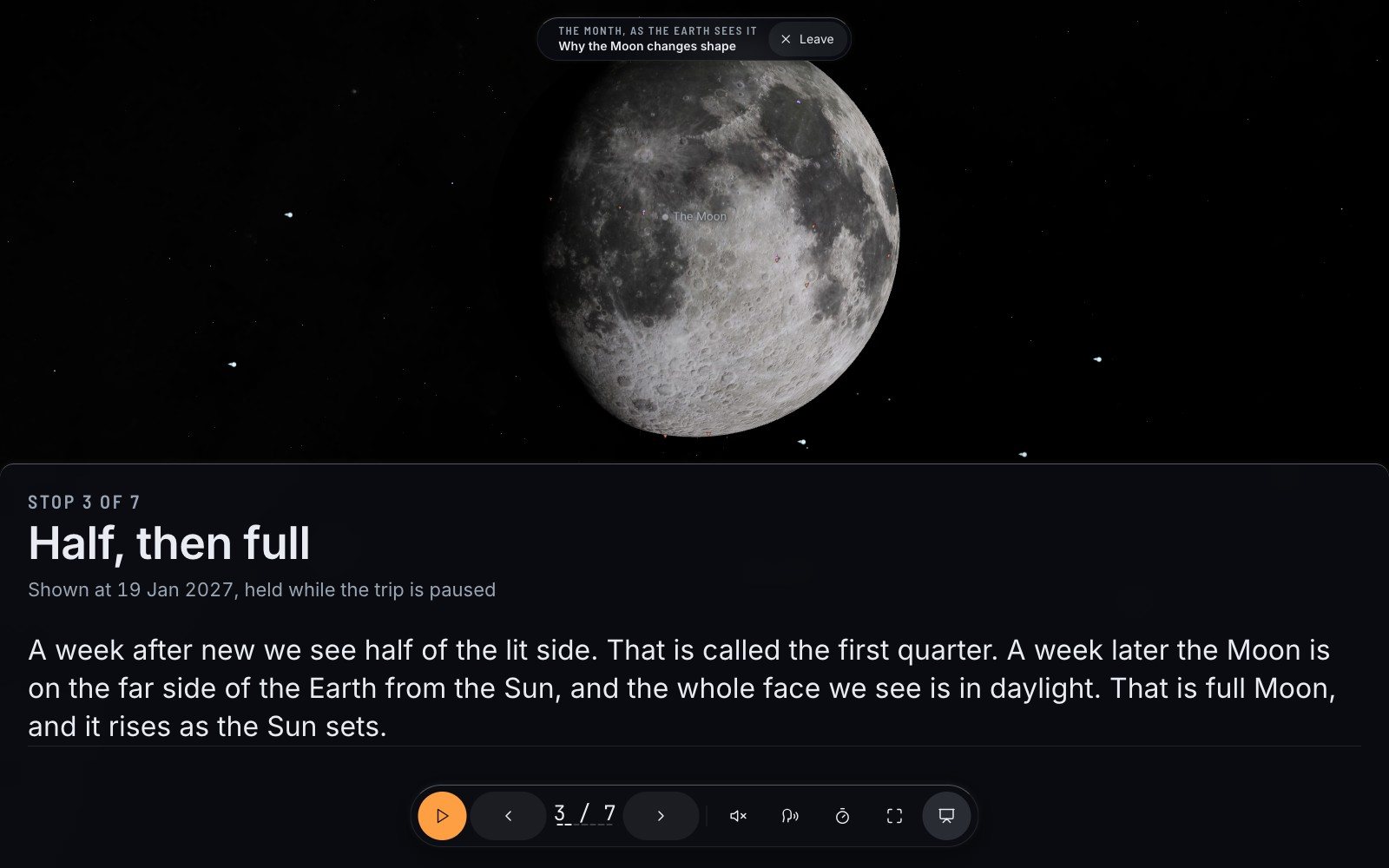
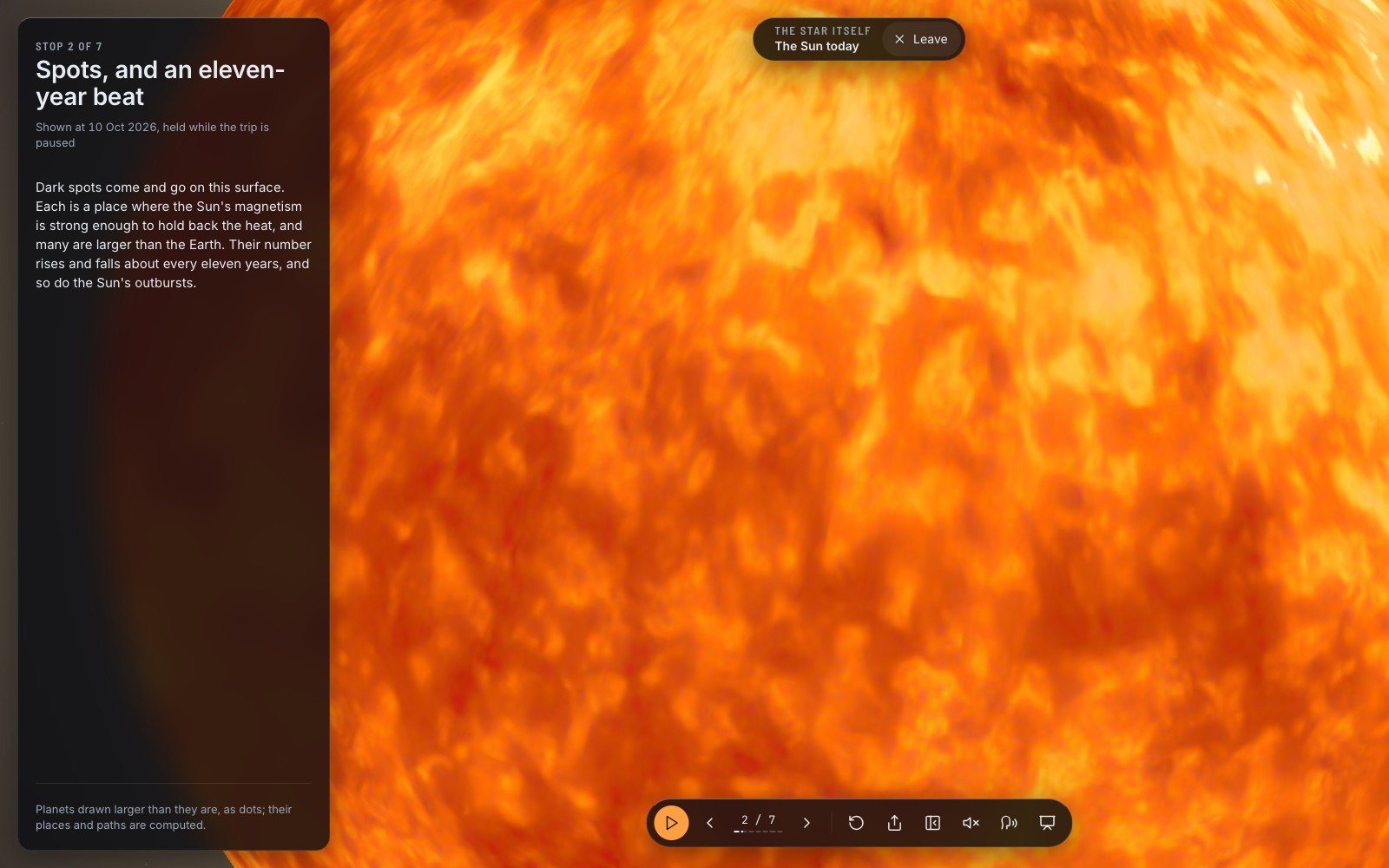
Pick a trip and press Present, or add present=1 to its link. The panels go. The words of each stop are set large. The trip waits.
From there a presenter’s clicker is the whole interface, because a clicker sends the arrow keys. Right for the next stop, left for the one before, F for full screen. The words on the screen are the captions, so the room does not need loudspeakers. If you do have sound, a voice reads each stop and the trip waits for it to finish.
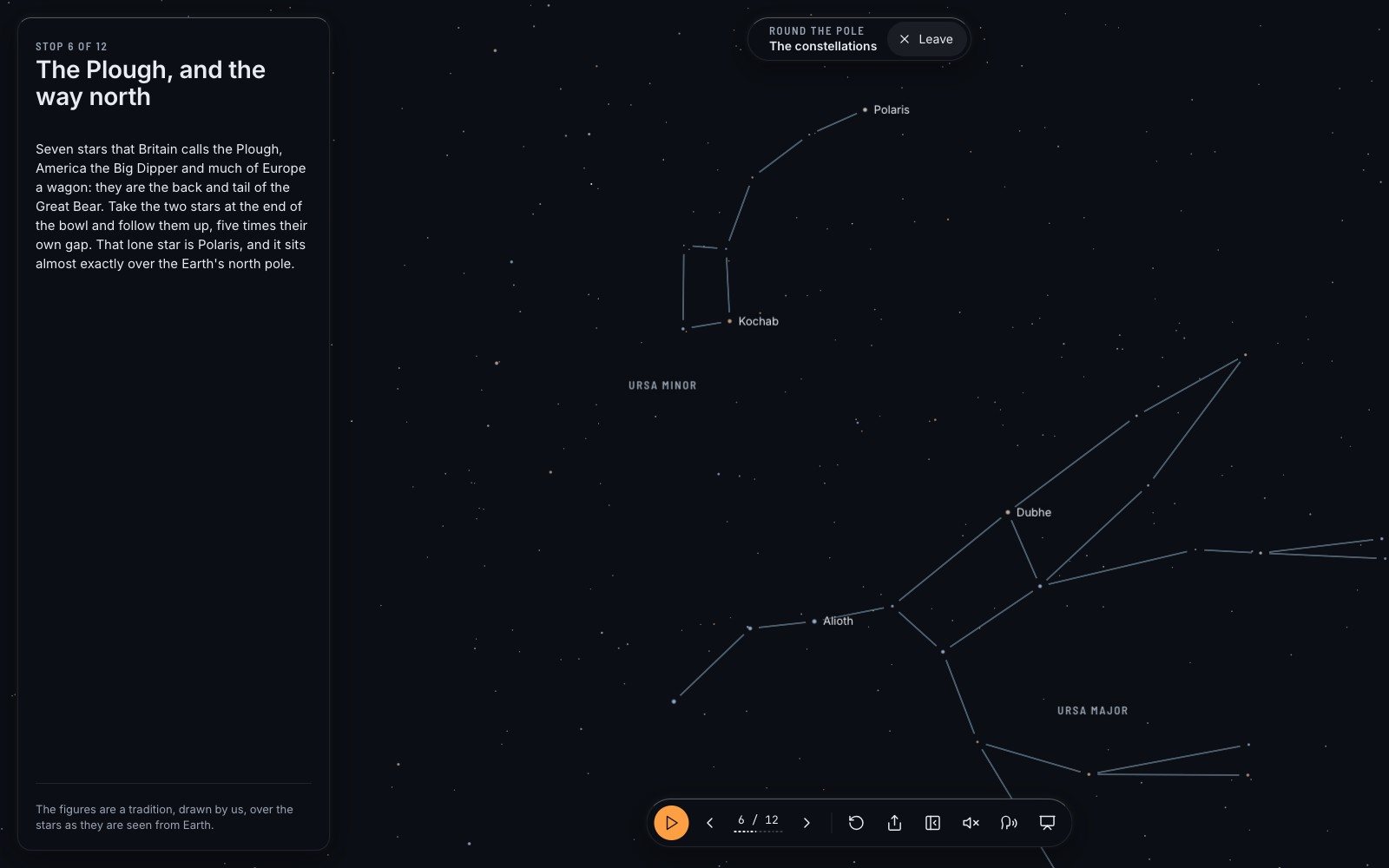
The guide suggests where to begin: why the Moon changes shape, the planets tonight, the Sun today, Mars, the constellations, the life of a star. Six of the trips start from your own place, so there is one thing to do before the bell: tell it the school’s town. Otherwise it guesses from the computer’s clock, and says that it guessed.
The honest list#
Here is where a brochure would stop, and where the project’s documentation gets interesting. It has a table with two columns: “Works with no internet” and “Needs the internet”. It was filled in by measurement, by serving the folder with every outside address blocked and writing down what happened.
What works: the Earth, the Moon, every planet and moon with their maps; the stars, the Milky Way, the nebula photographs; all the trips with narration and captions; the satellites and both space stations, from the saved copy; search, the time scrubber, tonight’s passes; present mode; the sky from a city you pick by hand.
What does not: today’s clouds, storms and lightning, for which you get a fixed cloud map; the close-up tiles of the Earth, the Moon and Mars; fresh launches and space weather; the maps of sea temperature and rain; your exact location on some machines.
And then the paragraph that I think every piece of classroom software should be made to carry:
Be honest with your class about age.
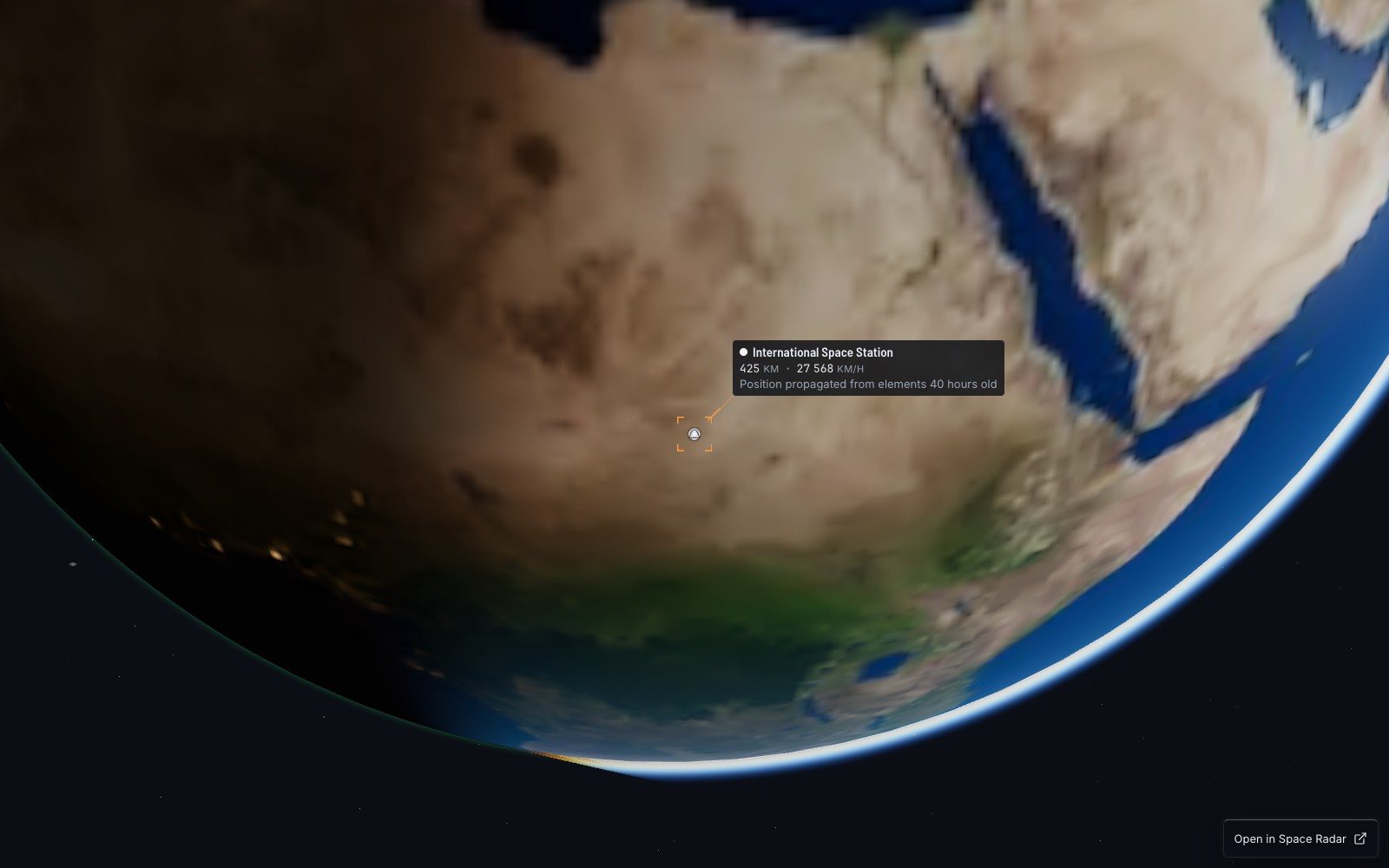
A satellite’s position is worked out from numbers measured on a certain day. The saved copy is as old as the day it was made, and every card says so at its foot. After a week or two, the guide warns, a low satellite such as the space station “can be minutes away from where the app draws it”. Refresh the copy when you can. Tell the children when you cannot. It is a better lesson about data than most of them will get that year.
No accounts, and why that is a school feature#
In 2022 Human Rights Watch examined 163 education products that governments had endorsed for children during the pandemic. It found that 145 of them, 89 percent, put children’s rights at risk or infringed them outright.
A copy of Space Radar on a school laptop cannot do that, and not because of a policy. There are no accounts to create. There is nothing to send, and when the network is unplugged, nowhere to send it. The project’s design rules put it in five words, “Nobody is tracked”, but the stronger guarantee is the cable lying on the desk.
The same holds for a class website. One live object or one trip can be put into any page as an embedded frame, and the embedding notes are specific about what a reader gets: the scene, the object’s name and two numbers, one link back. “Nothing is stored on the reader’s device by the embed: no cookie, no tracker.”
What I would tell a teacher#
Three cautions, since this is a piece about honesty.
The interface, the cards and the voice are in English only. For many classrooms that is the largest obstacle on this page, and for now the teacher is the translator.
Pupils’ own machines are a special case. Browsers allow a page to keep itself for offline use only when it comes from a secure address or from the computer itself. Thirty tablets reading from the teacher’s laptop will need that laptop running. In the guide’s words, that is “the browser’s rule, not ours”.
And the ready-made download that the guide describes, a single zip that starts offline, had not yet been published when I wrote this. The route that works today is to copy the repository and run the save script once, or simply to visit the site on the classroom computer while it has a connection.
None of this is new as an idea. Kiwix has carried Wikipedia into places without the internet for years. What I wanted was the same stubbornness for the sky: a planetarium that a school owns the way it owns a globe.
So try the unkind test yourself. Open the map on the computer you teach from. Play one trip through. Then pull the cable, reload, and read the last line of the panel.
Questions people ask
Is there free planetarium software that works offline?
Yes. Space Radar runs from a folder on an ordinary computer with no internet, or from the browser after one online visit. Stellarium is another free, open-source option, installed as a desktop program.
What does a school need to run it?
A computer from the last eight years or so, a web browser and Python 3. No account, licence key or build tool is involved; the whole copy is about 110 MB.
What stops working without the internet?
Anything that is today’s news: live clouds, fresh launches and space weather, close-up map tiles. Planets, stars, eclipses and the guided trips are unaffected; satellites are drawn from a saved copy that states its age.
Does it collect pupils’ data?
No. There are no accounts, no analytics cookies and no personal data in any request. A copy running with the network unplugged has nowhere to send anything.
Sources
- GitHub github.com
- Nearly half of the world’s six million schools aiforgood.itu.int
- 4,267 of them in the world lochnessproductions.com
- Service worker developer.mozilla.org
- 145 of them, 89 percent hrw.org
- Kiwix kiwix.org
- Spaceradar.ai spaceradar.ai
- Giga.global giga.global
- Itu.int: PR 2025 11 17 Facts and Figures.aspx itu.int
- Kiwix.org: about us kiwix.org
- Stellarium.org stellarium.org
Explore on Space Radar
Keep reading
A virtual space tour that begins with a family photo
A map with a legend tells you everything at once. A guide tells you one thing, then the next. On the 26 narrated trips in Space Radar, how they are written, and three of them retold.
A live satellite map that tells you when it is guessing
Space Radar draws everything in orbit where it really is, for people who have never heard of an orbital element. Why I think a map of space has to be honest and kind at once, what that costs, and why it is free and open.
How accurate is satellite tracking? Follow the numbers
A map of space is a pile of other people’s measurements. Who made them, how old they are, which parts are computed, which are photographs and which are honest drawings, and how to send a correction when one of them is wrong.